DirectlyDrop / Guides
Send Files Without Installing an App
Send files between two devices in their browsers without an app download or account, and understand the workflow, privacy boundaries, and practical limits.
Start an app-free file transfer →
Prepared by: DirectlyDrop · Editorial method: source code, tests, and primary technical sources · Updated: August 24, 2026 · 7 min read
What does sending without an app mean?
An app-free transfer uses a web tool in the browser without installing a separate desktop or mobile application. With DirectlyDrop, sender and recipient open the site, pair with a four-digit room code or private share link, and send a file during the live session. No membership, email address, or recipient account is required.
The browser still runs temporary software: it loads the JavaScript app, PeerJS helps with signaling, and a WebRTC data channel carries file chunks. 'Without an app' therefore means that no persistent DirectlyDrop installation is required, not that the devices run no software at all.
Pair two browsers step by step
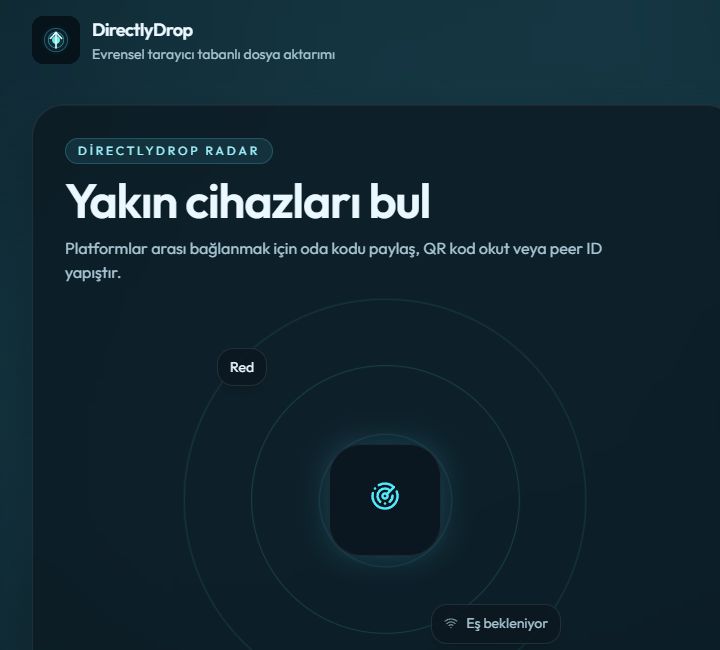
Open the DirectlyDrop home page on the first device and wait for its room. Type the four-digit code into the Room code or link field on the second device and select Connect. You can instead send the private link or scan the QR code. Do not choose a file until the expected remote device name is visible.
After pairing, the sender opens the file picker and can queue up to three files. The recipient reviews the sender, file name, and size for each offer; chunks do not begin moving until Accept is selected. Progress, speed, and remaining time are estimates based on current network conditions.
Does the file upload to a server?
DirectlyDrop does not place file contents in a permanent download archive. When the network permits, WebRTC traffic moves directly between the browsers. If a direct route fails and a valid TURN service is available, encrypted WebRTC traffic may be forwarded temporarily by that relay. The product therefore does not promise a physically direct path under every condition.
IP addresses and connection metadata may be processed by signaling, STUN, or TURN providers while pairing. The site can also use measurement and advertising services. No persistent file storage does not mean that a web visit produces no technical data; the Privacy Policy and Technical Transparency page describe those boundaries.
Check the recipient before sending
A room code is short pairing information, not a password. Do not publish the code or QR image on social media. Share it privately and confirm the displayed remote device. The recipient should reject an unexpected file, unknown sender, or suspicious file extension.
WebRTC encrypts transfer traffic in transit, but it does not protect a downloaded copy left on a shared device. Mask unnecessary fields in sensitive documents, clear shared downloads when appropriate, and compare SHA-256 digests for critical files. A matching digest checks identical contents; it does not prove that the file is harmless.
Practical limits of browser-only transfer
Both people must be online with the DirectlyDrop tabs open. The current release cannot resume an interrupted transfer and does not create a permanent link for later download. If a tab closes, a device sleeps, or the network changes, create a new room and begin again.
Practical capacity depends on browser memory, free disk space, OPFS support, and connection speed. DirectlyDrop avoids an arbitrary application quota, but unlimited transfer on every device cannot be guaranteed. Test a small file first and leave adequate free space on the recipient.
Where this workflow fits
It is useful for moving a few photos from your own phone to a computer, sending a document to someone who is online now, or opening a quick session between two browsers without a USB cable. Recipient approval and no required account keep short, deliberate transfers straightforward.
Choose an enterprise storage product when you need a team folder, access history, distribution to many users, password-protected persistent links, or restartable uploads. DirectlyDrop is designed for a temporary live transfer between two available devices.